
WhatsApp Business API for Real Estate in India (2026): Setup, Templates, Costs and CRM Integration
A practical buyer's guide to the WhatsApp Business API for Indian developers and brokers: provider choice, template approval, consent, per-message costs and CRM integration.
Most Indian real estate teams do not have a WhatsApp problem. They have a WhatsApp plumbing problem. A presales caller forwards a brochure from a personal number, the reply lands in a phone nobody else can see, and three weeks later the developer cannot say which campaign that buyer came from. If you are a marketing or presales head choosing a WhatsApp Business API setup in 2026, this guide covers the mechanics: what the API is, how to pick a provider, how templates and consent work, what it costs, and how it should plug into your CRM.
We are deliberately not re-arguing why WhatsApp matters. That case is made in our WhatsApp-first real estate playbook. This piece is the buyer's checklist that comes after you have decided.
Official API vs WhatsApp Business app vs unofficial tools
There are three ways teams run WhatsApp today, and only one scales past a small team.
- WhatsApp Business app: free, one phone, a handful of linked devices. Fine for a single-agent broker. It has no API, no routing, no audit trail, and a bulk-broadcast cap that is easy to hit during a launch.
- Unofficial web wrappers and QR-scan tools: cheap and tempting for bulk sending. They break Meta's terms, and numbers get banned without warning, usually mid-campaign. Treat your sales number as an asset you cannot afford to lose.
- WhatsApp Business Platform (the official API): accessed through Meta or a Business Solution Provider (BSP). Multiple agents on one number, templates, automation, webhooks, and a clean link to your CRM. This is the only option that gives a developer source-to-booking traceability.
From the team that built Sell.Do
Capture, nurture and close leads right inside WhatsApp — natively in Sell.Do.
How to choose a BSP: a seven-point checklist
The BSP is your on-ramp to the API. Compare them on operations, not on the headline rate.
- Per-message markup or flat fee: BSPs typically add either a small per-message margin on top of Meta's rate or charge a monthly platform fee. Ask for both and model your own volume.
- Team inbox: can five presales agents work one number without stepping on each other, with assignment and visible ownership?
- Template management: submission, status tracking and rejection reasons inside one screen.
- Webhooks and API quality: inbound messages, delivery status and read receipts must reach your CRM in real time. See our real estate CRM integrations checklist for what to demand.
- Click-to-WhatsApp ad support: the ad click should carry its campaign and ad-set identifiers into the conversation record.
- Number and quality management: visibility into messaging limits and quality rating, because a poor rating throttles you.
- Support and exit terms: can you take your number and templates with you if you leave?
Templates: categories, approval and what gets rejected
Outside the 24-hour window that opens when a buyer messages you, you can only start a conversation with a pre-approved template. Meta sorts templates into marketing, utility and authentication, and the category decides the price. Real estate teams usually need four families:
- Marketing: launch announcements, new tower releases, festive offers, price-revision notices.
- Utility: site-visit confirmation and reminder, document request, payment due reminder, booking acknowledgement.
- Authentication: OTPs for the buyer portal or digital booking forms.
- Re-engagement: a short, specific nudge to a cold lead, which Meta treats as marketing.
Common rejection triggers are vague variables, promotional language inside what you filed as utility, missing opt-out wording on marketing templates, and links from unrecognised URL shorteners. Keep each template single-purpose and name variables clearly: buyer name, project, visit date, slot.
Consent, opt-in and DND
WhatsApp requires clear opt-in before you message someone with a business-initiated template. Capture it at the source: a checkbox on the website form, a line on the portal enquiry, a tick on the walk-in sheet, a button on the Click-to-WhatsApp ad. Store the timestamp and source against the lead.
Two practical points. First, a buyer who messages you first has opened a service window, so replies are fair game. Second, an opt-out must be honoured on every channel at once. If someone replies STOP on WhatsApp and your calling team rings them the next morning, you have a consent gap. Our guide to AI voice agents and DND compliance covers the calling side of the same discipline.
What it costs in 2026
Meta moved from conversation-based to per-message pricing in 2025. Rates are set per message by category and published in rupees for Indian numbers. Broadly, utility and authentication messages cost a fraction of a rupee, while marketing messages cost several times more, in the region of ₹0.80 to ₹0.90 per message at the figures BSPs have published this year. Service replies inside the 24-hour window have been free, but Meta has announced changes from October 2026 that make some of them billable, with a monthly free allowance per number. Because Meta revises its rate card, check the current card on Meta's pricing page before you budget. Add your BSP's fee and 18 per cent GST, which a GST-registered developer can usually claim as input credit.
A worked example. A developer sends a launch template to 20,000 opted-in contacts at about ₹0.86, which is roughly ₹17,000 before BSP fees and GST. The useful metric is not cost per message but cost per site visit, the same reframe we argue for in cost per lead vs cost per booking.
CRM integration: where WhatsApp either pays off or leaks
The API is a pipe. The value is in what happens to each message on the way into your CRM. Insist on five behaviours:
- Auto-capture: every inbound chat creates or matches a lead, de-duplicated by phone number, with no manual typing.
- Source tagging: the Click-to-WhatsApp ad, campaign and project are written on the lead at first message. This is the attribution tagging developers keep missing.
- Routing and TAT: the chat is assigned by project and city rules, and a first-response clock starts. Our speed-to-lead analysis shows why those first minutes decide outcomes.
- Single timeline: calls, WhatsApp, site visits and notes on one lead record, so a reassigned lead does not start from zero.
- Channel partner visibility: brokers who bring a buyer on WhatsApp should have the lead registered and timestamped, which protects them from the leakage described in where brokers lose deals.
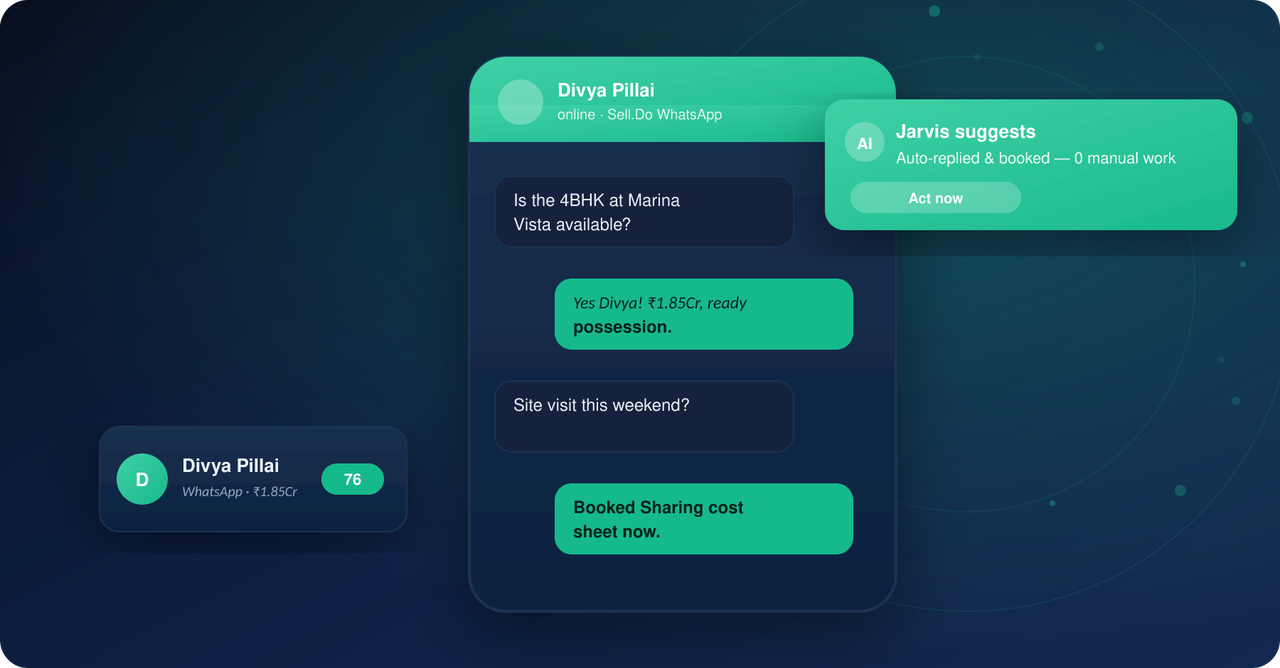
This is where a purpose-built platform earns its keep. Sell.do brings WhatsApp conversations into the same lead record as calls and portal enquiries, tags the source, and starts the response-time clock on routing, so presales sees the buyer's journey instead of a chat export.
What to automate and what to keep human
- Automate: instant acknowledgement, project brochure and location pin, site-visit slot booking, visit reminders, payment-due notices, and first qualification questions on budget, configuration and timeline.
- Keep human: price negotiation, objection handling, any complaint, and the call that follows a site visit. A buyer deciding on a crore-plus purchase wants a person once the basics are answered.
A good rule: automate anything with a single correct answer, hand off the moment the buyer asks something that needs judgement, and make sure the handoff arrives with the full chat history attached.
A one-week setup plan
- Day 1: pick the sales number, verify the business profile, shortlist two BSPs and request sandbox access.
- Day 2: map your opt-in points and add consent capture to website, portal and ad forms.
- Day 3: draft and submit eight to ten templates across utility and marketing.
- Day 4: connect webhooks to the CRM and test lead creation, source tagging and de-duplication.
- Day 5: set routing rules and the first-response SLA, then pilot with one project and one team.
Related reading
- WhatsApp-First Real Estate: The 2026 Playbook
- Real Estate CRM Integrations: 10 Must-Haves for India
- 99acres, MagicBricks and Housing Leads: Capture, Tag and Route Without Leakage
If you want WhatsApp conversations captured, tagged and routed inside the same system as your calls and portal leads, see how Sell.do captures and replies to leads on WhatsApp in seconds. A short walkthrough on your own project data will show you the difference.
Insights from the Sell.do real-estate CRM team.