
Real Estate CRM Integrations: 10 Must-Haves for India (2026 Checklist)
The ten integrations a real estate CRM needs in India, from portals and Meta to calling, WhatsApp and inventory, and how to evaluate each.
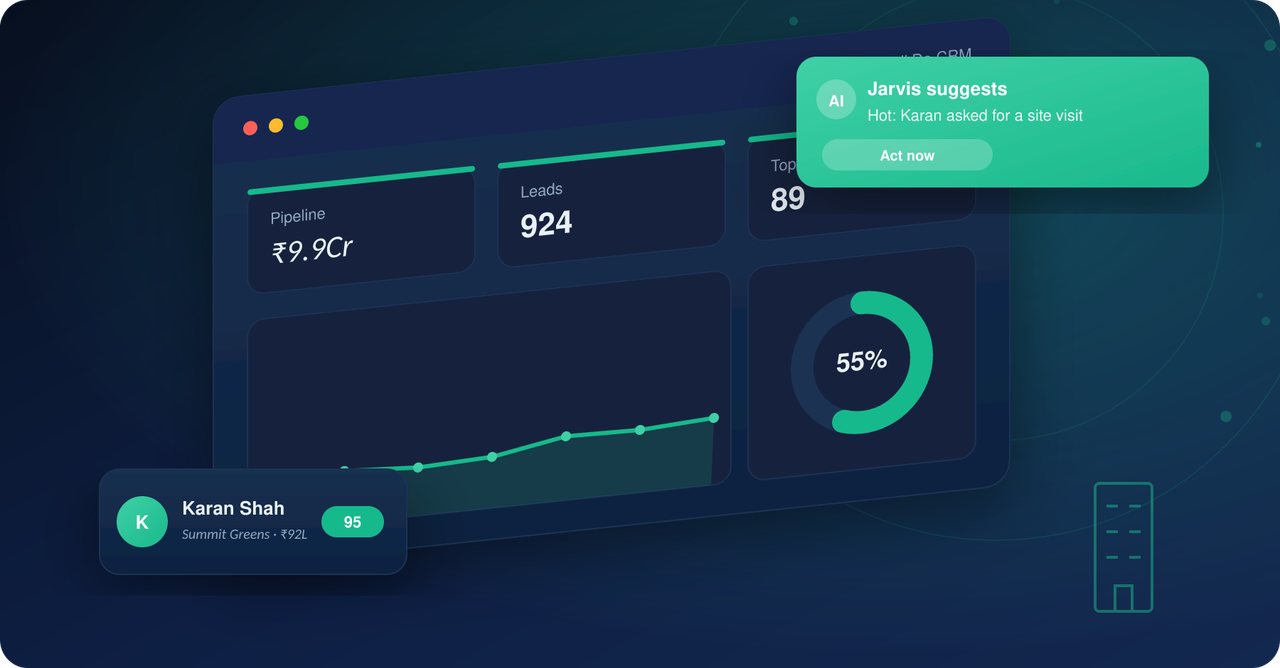
A generic CRM stores contacts. A real estate CRM has to sit in the middle of how Indian property is actually marketed and sold: portals, social lead forms, phone calls, WhatsApp, inventory and, later, payments. Whether you are choosing a CRM or extending one such as Salesforce, Zoho, LeadSquared or Freshsales, the integrations below decide how much manual work your team does every day.
This list is written for developers and brokers evaluating a CRM. For each integration it explains what it does, what to check, and the failure you avoid by having it.
Why integrations matter more than features
Most lead leakage in real estate is not a sales problem. It is a plumbing problem: a portal lead emailed to one person, a Meta form exported once a day, a call that never gets logged. Each manual step adds delay, and delay is what loses the enquiry. Customising a generic CRM to fix this is possible but usually costs more than adopting a vertical real estate CRM where these connections already exist. Our note on what a vertical CRM changes for marketing automation covers the trade-off.
From the team that built Sell.Do
See how Sell.Do runs your sales, pre-sales and marketing on one AI-first platform.
The essential real estate CRM integrations
1. Property portals
99acres, MagicBricks, Housing and similar portals still generate a large share of enquiries for many projects and brokers. The integration should push each enquiry into the CRM within seconds with the portal and listing recorded as the source, and de-duplicate against leads you already hold. Check whether it covers every portal you pay for, and whether it also handles missed calls and call-backs from portal numbers.
2. Meta and Google lead capture
Facebook and Instagram lead forms, and Google Ads lead form assets and landing pages, should create leads directly with campaign, ad set and keyword fields mapped. Without this, attribution is a manual spreadsheet job. Check that campaign names pass through unchanged, because that is what lets you report cost per booking later. Our paid lead generation guide shows how to use that data to bring CPL down.
3. Website forms, chat and landing pages
Every form, popup and live-chat widget on your site and microsites should write to the CRM with the page and UTM values captured. Live chat is useful when it hands off to a person or an AI agent quickly; check that chat transcripts are saved on the lead.
4. Calling and telephony
Click-to-call, call recording, IVR and missed-call numbers should log automatically against the lead. This is what makes turnaround time (TAT) measurable and keeps a clean history for the next caller. Ask whether call outcomes can be tagged and whether recordings are searchable. Sales teams should also be able to see call history before they dial.
5. WhatsApp
For most Indian buyers, WhatsApp is the preferred channel. The integration should support approved templates, two-way conversations stored on the lead, and automated replies that qualify and book site visits. Check template approval support and whether messages are attributed to the right owner.
6. SMS and email
Bulk SMS and email still work for launches, reminders and payment follow-ups, provided delivery is tracked on the lead and opt-outs are respected under India's data protection rules. See our email marketing guide for what to automate.
7. Inventory and cost sheets
The most overlooked integration is between the CRM and your unit inventory. Sales should see live availability, hold and block status, and generate a cost sheet without leaving the lead record. If inventory lives in a separate tool or spreadsheet, price and availability will drift. See real estate CRM with inventory management.
8. Channel partners
If you sell through brokers, the CRM needs partner logins, lead registration to prevent duplicates and disputes, and payout tracking. Without it, the same buyer can be claimed by two partners.
9. Payments, accounting and documents
After booking, connect payment schedules, demand letters and receipts to your accounting system and e-signature or document tools so collections do not depend on email chains.
10. Reporting and data tools
Look for open reporting that lets you push CRM data to dashboards or a data warehouse, and an API or webhooks for anything not covered above.
How to evaluate an integration
- Is it native, or does it need a third-party connector that adds cost and a failure point?
- How fast does a lead arrive: seconds, minutes or a daily sync?
- Which fields are mapped: source, campaign, project, UTM values and call outcome?
- Does it handle duplicates?
- Who maintains it when a portal or platform changes its API?
How Sell.do approaches integrations
Sell.do is an AI-agentic CRM built for Indian real estate, with lead capture from Meta, Google, portals, your website, walk-ins and channel partners, plus built-in calling and WhatsApp. The full set is listed on the integrations page; you can also book a walkthrough at https://www.sell.do/ to see it with your own sources.
Frequently asked questions
Which integration should I set up first?
Whichever source gives you the most leads today, usually portals or Meta, followed by calling so response time is tracked.
Can I make Salesforce or Zoho work for real estate?
Yes, but expect extra build for portals, inventory and channel partners, and ongoing maintenance. Compare that cost against a vertical CRM.
Do integrations need developers?
Native connectors usually do not. Custom API work does, so ask the vendor what is native.
Related reading
Insights from the Sell.do real-estate CRM team.