
Real Estate CRM Software Features That Speed Up Sales (2026 India Checklist)
Eight real estate CRM features that matter for Indian developers and brokers, what each should do in practice, and how to test them in a week-long trial.
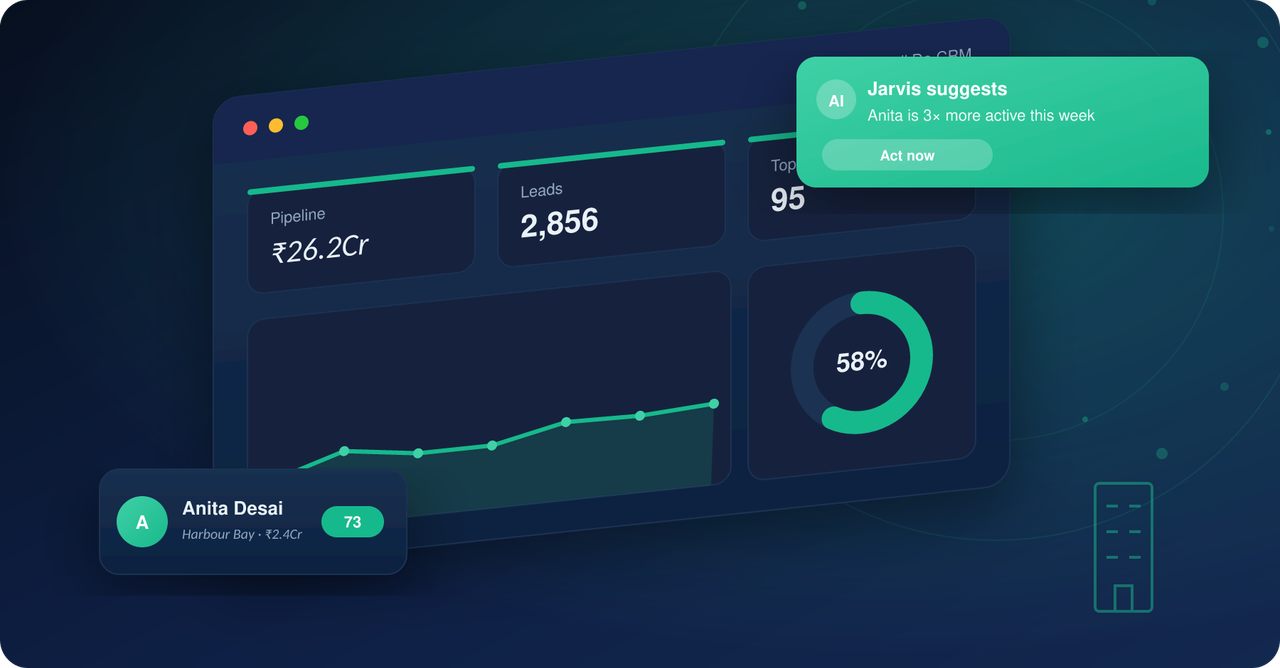
A real estate CRM earns its cost only if its features match how Indian property sales actually work: leads arriving from ten sources at once, buyers who reply on WhatsApp and not email, site visits that must be scheduled and confirmed, and channel partners who bring a large share of bookings. This checklist covers the features that matter, what each one should do in practice, and the questions to ask a vendor before you buy.
The short answer: eight features that move sales
If you only have time for a shortlist, a real estate CRM should give you: capture of every lead source in one place, automatic tagging and routing, calling and WhatsApp inside the CRM, a follow-up and turnaround-time (TAT) engine, lead scoring, site-visit management, inventory and cost-sheet visibility, and reporting that ties a campaign to a booking. Everything else is secondary.
From the team that built Sell.Do
See how Sell.Do runs your sales, pre-sales and marketing on one AI-first platform.
1. Unified lead capture from every source
Leads in Indian real estate arrive from Meta and Google ads, 99acres, MagicBricks and Housing, your website forms, walk-ins, hoardings, referrals and channel partners. If each source lands in a different inbox or spreadsheet, leads get lost and nobody can say which campaign worked. The CRM should pull every source into one lead record, de-duplicate on phone number, and keep the original source on the record for life.
What to check: does it have native connectors for the portals and ad platforms you actually use, and what happens when the same buyer enquires on three portals in a week?
2. Auto-tagging and routing, so leads are never leaked
Brokers lose deals to lead leakage: an enquiry sits unassigned, or goes to a rep who is on leave. Developers lose the ability to attribute bookings. Good routing assigns by project, source, location or round-robin the moment a lead arrives, and tags it with campaign, source and project so the tag survives all the way to the booking. See our guide on lead leakage for brokers for how this goes wrong in practice.
3. Calling and WhatsApp inside the CRM
Indian buyers answer calls and reply on WhatsApp far more than they reply to email. A CRM that makes your team switch to a personal phone or a separate WhatsApp app breaks the record: calls are not logged, conversations are not searchable, and a rep who leaves takes the history with them. Look for click-to-call with automatic call logging and recording, WhatsApp Business API messaging with templates, and a single conversation timeline per lead.
4. A follow-up and TAT engine
Speed to first response is the most controllable factor in conversion. The CRM should set a TAT target for first touch, alert the rep and the manager when it is missed, create the next follow-up automatically after every call outcome, and show overdue follow-ups on a rep's home screen. Read more in speed to lead in real estate. Ask the vendor to show you a TAT report by rep and by source, not only a feature description.
5. Lead scoring and AI assistance
With hundreds of new enquiries a week, reps cannot call everyone first. Scoring ranks leads by fit (budget, location, configuration) and by behaviour (calls answered, brochure opened, site visit booked), so the team calls the likeliest buyers first. Newer AI agents go one step further and respond, qualify and book a site visit on their own. See what an AI-agentic CRM is. Ask how the score is built and whether you can see why a lead is ranked high, since a score nobody trusts gets ignored.
6. Site-visit management
The site visit is the highest-intent event in the funnel. The CRM should schedule the visit, send reminders to the buyer and the rep, record whether it happened, capture feedback, and link the visit to the lead stage. If a visit is not confirmed the day before, it often does not happen, which is why automated reminders pay for themselves. Our guide on automating site visits with a CRM goes deeper.
7. Inventory, cost sheets and availability
For developers, the sales team should be able to see live unit availability by tower and floor, hold or block a unit for a buyer, and generate a cost sheet without leaving the CRM. When inventory lives in a separate spreadsheet, reps quote units that are already sold. Check whether holds expire automatically and whether the cost sheet reflects your payment plans.
8. Reporting that connects spend to bookings
Dashboards that count leads are easy. The report that matters shows cost per lead, cost per site visit and cost per booking by source and campaign, plus the funnel from enquiry to booking and rep-level performance. Because every lead carries its source tag from day one (feature 2), this report is possible. Start with what to track on a real estate CRM dashboard.
Features that matter only for some teams
Channel-partner management (partner logins, lead registration, payout tracking) is essential if a large share of your sales comes through brokers, and unnecessary if it does not. Post-sales tools (demand letters, collections, possession) matter once you have bookings to service. Integrations with accounting or ERP systems matter for larger developers. Mobile apps matter for field sales teams. Pick based on your sales model, not the longest feature list.
How to evaluate a CRM in a week
- 1List your lead sources and ask for a live demo of each connecting, not a slide.
- 2Give the vendor ten real lead records and see how they are tagged, routed and scored.
- 3Ask for the TAT report and the source-to-booking report on sample data.
- 4Test calling and WhatsApp from a rep's phone, including call logging.
- 5Ask who owns your data and how you export it if you leave.
How Sell.do approaches this
Sell.do is an AI-agentic CRM built for Indian real estate. It captures leads from ads, portals, websites, walk-ins and channel partners into one record, auto-tags and routes them, runs calling and WhatsApp inside the platform, applies AI lead scoring, and links campaign spend to bookings in its reporting. See the real estate CRM page for a walkthrough, and compare it with any other tool against the eight features above.
Frequently asked questions
What are the most important features of a real estate CRM? Unified lead capture, automatic routing and tagging, calling and WhatsApp in one place, follow-up and TAT tracking, lead scoring, site-visit management, inventory visibility and source-to-booking reporting.
Is a generic CRM enough for real estate? It can work for a very small team, but you will end up building real estate workflows (units, site visits, cost sheets, channel partners) yourself. A purpose-built CRM ships these ready.
How many features do I really need? Start with the first four. Add the rest as your team and project count grow.
What should a developer look for that a broker does not? Inventory and cost sheets, multi-project routing, campaign-to-booking attribution and post-sales tools. Brokers care most about capture, routing, TAT and payouts.
How do I know a feature actually works? Ask for it on your own sample data during a trial, and ask for the matching report, not just a demo screen.
Related reading
Insights from the Sell.do real-estate CRM team.